
Is Your Computer Slow After Upgrading to Windows 11?
Have you upgraded your Windows 10 computer to Windows 11, or has an update just appeared and updated your computer? Whatever the reason your computer has updated to Windows 11, if you're finding it's running slow, we can help.
Removing Windows 11 Bloatware
We have a lot of experience of removing the bloatware from Windows 11. The default upgrade or install of Windows 11 includes lots of extra programs that Microsoft installs and, for most users, these are unwanted and remain unused. We can remove these apps with minimal fuss.
Hardware Upgrades
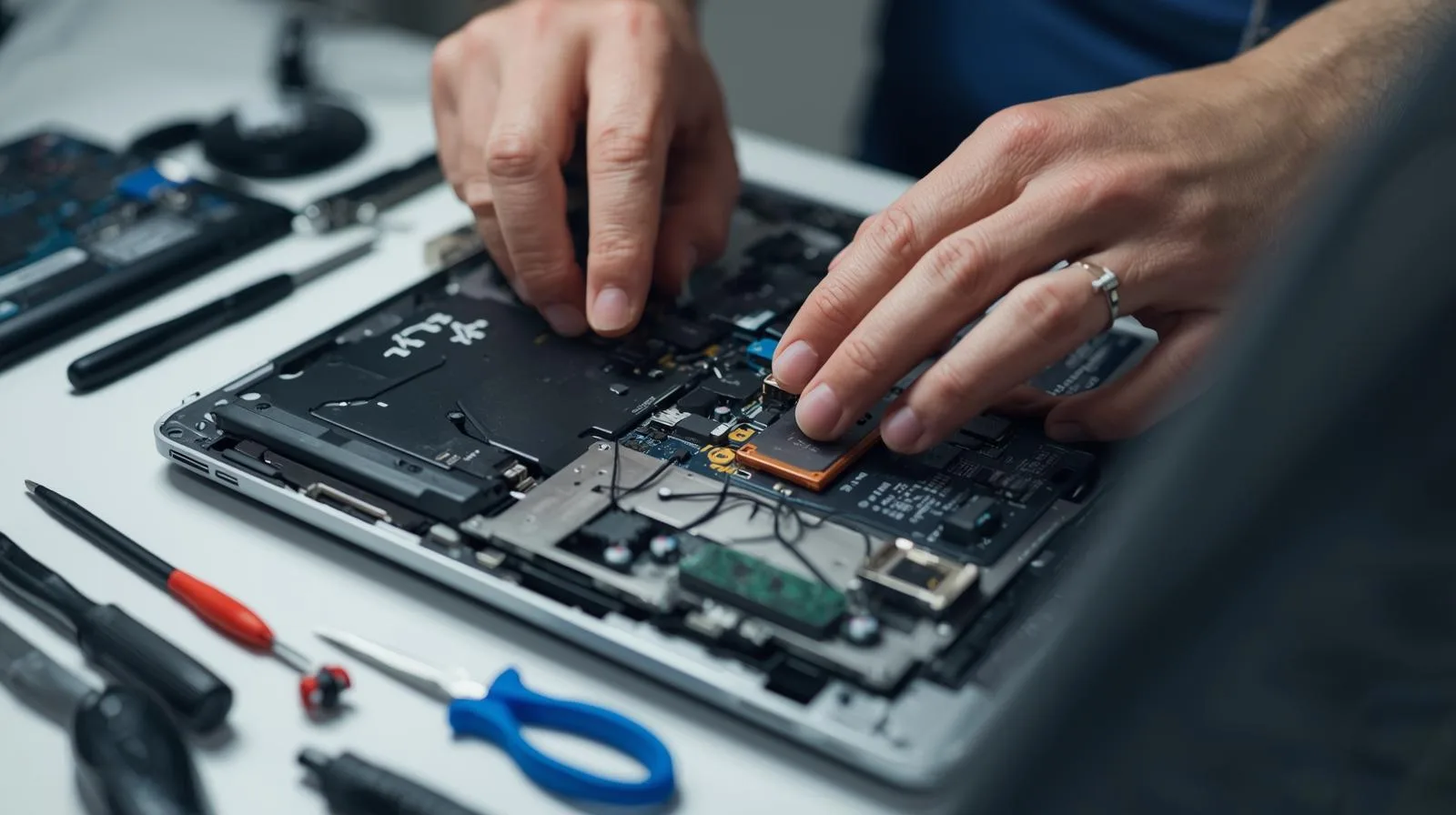
If removing unwanted bloatware does not increase the speed of your computer, we can provide a comprehensive plan on physical upgrades which, where possible, will speed up a Windows 11 computer.
While not all computers can be upgraded, we can typically upgrade RAM and storage (hard disk), which in most cases is far more cost-effective — saving money by keeping an older computer running rather than replacing it.
CPU Upgrades
You should note that upgrading the CPU — the computer's processor chip — can be done, but only in some circumstances is this worthwhile. It is not always a practical or cost-effective option.
Graphics Card Upgrades
Graphics cards can be upgraded, but this would only be useful if you're playing games. For most non-gamers, this would not be worthwhile.
Windows 10 end of support: Since October 2025, Windows 10 is no longer generally supported by Microsoft. This means that if hackers discover a vulnerability, Microsoft will not in most cases release a fix. This is a critical situation for businesses in particular. There is nothing to stop you accepting the risk of continuing to run Windows 10, but the risks are far greater that machines will be targeted now that support has ended.
If you have any queries about Windows 11 performance or your upgrade options, please get in touch for a free initial consultation.
Need Help With Windows 11?
Whether it's removing bloatware, upgrading hardware, or advice on your options — get in touch and we'll give you a straight answer.