
Why Your Laptop Is Overheating (And How to Fix It)
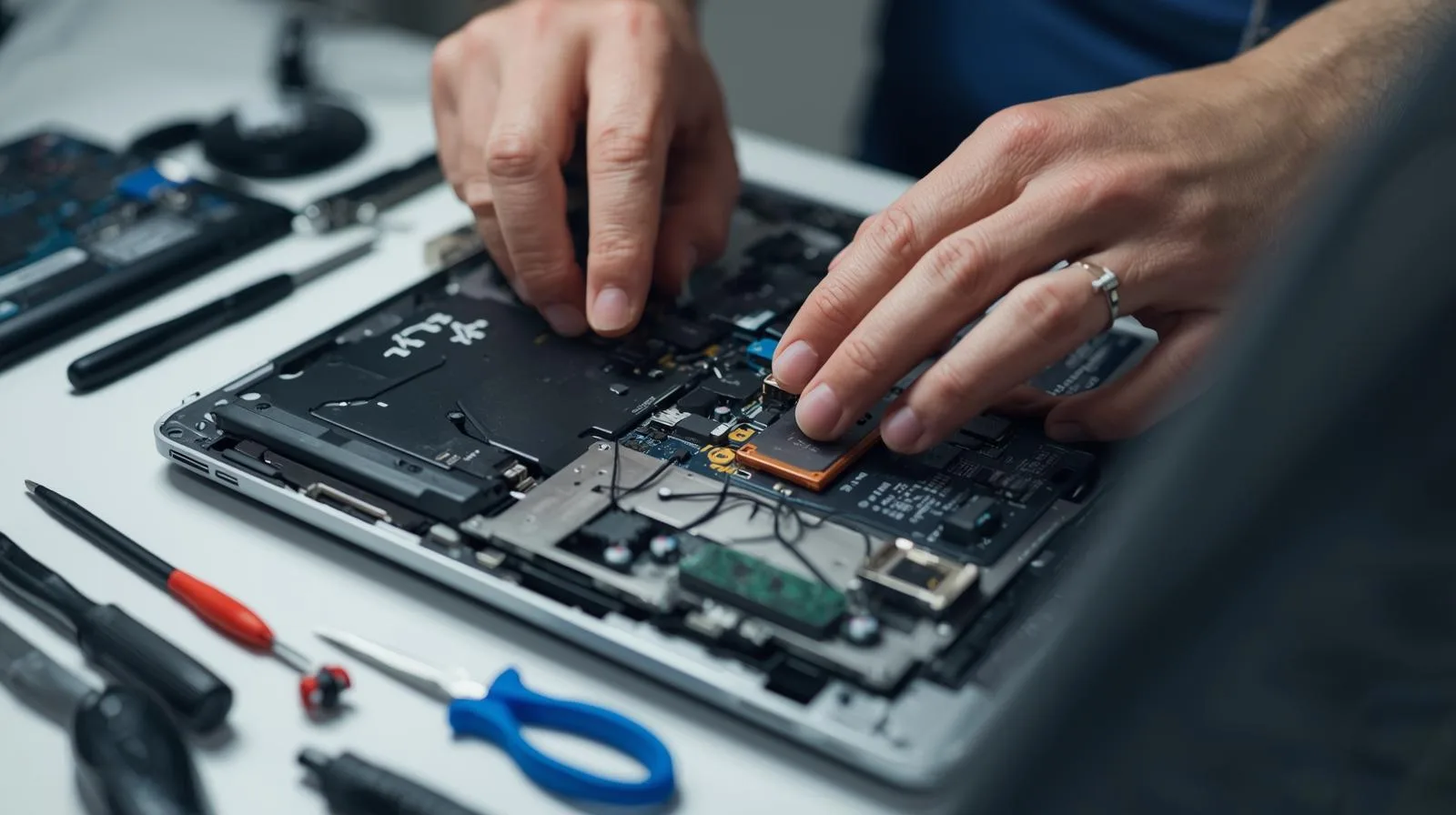
A laptop that runs hot is trying to tell you something. Fan noise, heat radiating from the case, thermal throttling that kills performance — these are all signs that something in your cooling system has failed or degraded. The good news: it's almost always fixable, and catching it early prevents serious damage.
1. Dust Buildup Inside the Heatsink
This is the most common cause. Over months and years, dust accumulates inside your laptop's heatsink fins — the metal grill that's supposed to dissipate heat into the air. When the fins clog, air can't flow through, so heat builds up. Your fan spins faster trying to compensate, and your laptop gets hotter and louder.
The fix: Open the laptop (or have us do it in Consett). Compressed air can help temporarily, but a proper clean requires removing the heatsink entirely and clearing the fins with a soft brush. Once reassembled, your laptop's thermals will often return to normal immediately.
2. Thermal Paste Has Dried Out
Thermal paste sits between your CPU and the heatsink. It's the interface that transfers heat away from the processor. Over 3–5 years, this paste degrades. It dries out, loses contact, and stops conducting heat effectively. Your CPU runs hotter, the fan works harder, and performance drops.
The fix: Replace the thermal paste. We remove the heatsink, clean off the old paste, apply a fresh layer of quality thermal compound, and reassemble. This is a standard service for older laptops showing heat issues.
3. Failing Fan
If your fan isn't spinning (you can check by listening when the laptop powers on), or it spins slowly and your CPU is still running at 90°C+, the fan bearing is probably worn. A bearing can wear out from age, and once it does, the fan can't move enough air to cool anything.
The fix: Replace the fan. It's a relatively inexpensive part (usually £30–£80 depending on the model), and the performance gain is immediate. A new fan runs quietly and brings temperatures back down within a few degrees.
4. Blocked Air Vents
The vents on the sides or back of your laptop are where hot air exits. If they're blocked by dust, a desk, or even a pillow, the laptop can't expel heat. It heats up, the fan spins hard, and you're left with a hot, noisy machine.
The fix: Check your vents right now. If they're clogged with dust, use compressed air to clear them. If the laptop is sitting on a soft surface (bed, cushion, carpet), move it to a hard, flat desk. Clearance around the vents makes a real difference.
5. Worn or Incorrect Thermal Pads
Some laptop components — like RAM, storage, or power regulators — are cooled by thermal pads instead of fans. These pads degrade over time or are sometimes replaced with incorrect pads during repair. A bad thermal pad can't conduct heat, so components overheat.
The fix: Replace worn thermal pads with the correct specification. This is more technical and usually requires disassembly and knowledge of your specific laptop model. It's worth doing if you've had your laptop serviced before and heating returned afterwards.
Important: Don't ignore sustained high temperatures. If your laptop stays above 85°C under normal use, the risk of component failure increases. The good news: most overheating issues are preventable and reversible if you act early.
What We Do Here in Consett
When you bring a hot laptop in, we run a full thermal diagnostic. We check idle temperatures, run stress tests, and identify which component is overheating. Then we get to the root cause — whether it's dust, paste, a failing fan, or a combination.
We carry common replacement fans and thermal pads in stock, so most laptops are turned around the same day. No guesswork. No unnecessary parts replaced. Just honest diagnosis and a fix that lasts.
In short: A hot laptop is fixable. Dust, dried paste, or a failing fan account for 95% of cases. It's a same-day repair in most cases, and it's worth doing sooner rather than later.
Is Your Laptop Running Hot?
Bring it to us in Consett, or we can arrange collection across County Durham. We'll run a thermal diagnostic and give you an honest recommendation.